This is a research-based review drawn from Suno’s published pricing, its terms of service, and hands-on reports from working creators. No affiliate links — the tool links below point to official sites only.
TL;DR — the short answer
This Suno v5 review lands on a clear verdict: Suno is the best AI music generator for vocals right now, and with the v5.5 update its songs consistently fool casual listeners. For content creators, YouTubers, and indie projects it is genuinely usable at $10/month (Pro) for commercial rights, or $30/month (Premier) for the Suno Studio editor and 10,000 credits. But there is a real catch: Suno grants you commercial permissions, not clean ownership or legal indemnification, and major labels are still suing. Great for creators; think twice before shipping Suno tracks in high-stakes paid client work.
How we assess: every AI tool here is scored on the same public checklist — real output quality, pricing honesty, usage rights, and who it actually fits. See our full Editorial Policy. Last updated: September 2026.
Let me set the scene for this Suno v5 review: eighteen months ago, AI music was a novelty that sounded like a karaoke machine having a stroke. Today, Suno’s v5 and the v5.5 update produce tracks that a lot of people cannot tell were made by a machine. That is not hype — it is the single most important thing that has changed, and it reframes the entire question. The debate is no longer “does this sound good?” It is “am I allowed to use this, and for what?” I have dug through Suno’s pricing, its terms of service, the Warner deal, the label lawsuits, and reports from creators actually shipping music, so you can decide whether Suno belongs in your workflow.

Key takeaways
- Suno v5 (and the v5.5 update) is the strongest AI music generator for vocals — natural vibrato, phrasing, and believable delivery.
- Pricing: Free (10 songs/day, no commercial use), Pro ~$10/mo (500 songs, commercial rights), Premier ~$30/mo (2,000 songs, Suno Studio, stems).
- Commercial rights come with paid plans, but Suno’s ToS says you are “generally not considered the owner,” and there is no legal indemnification.
- Warner Music signed a licensing deal in November 2025; Universal and Sony are still suing, with a fair-use ruling expected in 2026.
- Best for creators and hobbyists; riskier for agencies shipping music in paid client deliverables.
What Suno actually is
Suno is a text-to-music AI generator: you type a prompt or paste lyrics, pick a style, and it produces a full song — vocals, instruments, structure, the lot — in under a minute. It runs in the browser and on mobile, and the current models are v5 and the newer v5.5, which sharpened vocal realism specifically. Unlike a traditional digital audio workstation, you are not arranging notes; you are describing a song and steering the result. That makes it astonishingly fast for ideas and jingles, and frustrating when you need surgical control over a specific bar or key.
The 2026 version is far more than a song button. It now includes Voices (upload 15 seconds to 4 minutes of vocal audio to create a reusable voice profile), Stem Split (export a finished song into up to 12 time-aligned WAV stems for your own DAW), Custom Models (train private variants on songs you own), and Suno Studio, a browser-based multitrack editor on the Premier plan. If you are new to how AI tools meter usage, our explainer on how AI pricing and credits work is worth a two-minute read before you subscribe.
Who this is for
Suno fits you if you make content and need original music without licensing headaches or a composer’s budget: YouTubers scoring videos, podcasters needing intros, indie game developers, social creators, marketers making ad jingles, or hobbyists who just love making songs. It is also a legitimately fun songwriting sketchpad for musicians who want to hear an idea fast.
It is a poorer fit if you are a working producer who needs precise control over arrangement and mixing, an artist who wants to own your masters outright and clearly, or an agency shipping music into contracts where a rights dispute would be expensive. For those cases the ownership caveats below matter more than the sound quality.
Suno pricing, plans, and what each credit buys
Here is the pricing as it stands in September 2026. Annual billing knocks roughly 20% off the monthly figures. One thing to watch: credits do not roll over month to month, and failed or regenerated songs still burn credits.
| Plan | Monthly price | Credits | Approx. songs | Commercial rights | Key extras |
|---|---|---|---|---|---|
| Free | $0 | 50/day | ~10/day | No | Try the models |
| Pro | ~$10 | 2,500/mo | ~500 | Yes | Stem export, commercial use |
| Premier | ~$30 | 10,000/mo | ~2,000 | Yes | Suno Studio DAW, up to 12 stems |
My read: the Pro plan at ~$10/month is the sweet spot for almost every creator — 500 songs a month is more than most people generate, and it unlocks commercial use and stem export. Premier is for power users who want the Suno Studio editor and the 12-stem split for serious DAW work. The Free tier is fine for trying the sound, but anything you make on it is locked to non-commercial use permanently, even if you upgrade later.
The honest walkthrough: Suno v5, point by point
Vocals — the reason to use Suno
This is where Suno wins. The v5.5 update is, in the words of one detailed review, “the first model that consistently fools casual listeners on vocals.” It gets vibrato, breath, and phrasing right in a way that used to be the dead giveaway of AI music. Compared with Udio, the usual rival, the split is clean: Suno wins on vocals, Udio wins on instrumental clarity and stereo separation. If your songs are vocal-led — pop, singer-songwriter, hip-hop hooks — Suno is the one to beat.
Verdict: class-leading vocal realism. This alone justifies a Pro subscription for vocal music. [ADD YOUR EXPERIENCE: describe a track where a listener could not tell it was AI — genre, prompt, and their reaction.]
Prompt control and arrangement — the weak spot
Suno is a describe-and-steer tool, not a precision instrument. It cannot reliably follow specific instructions about bar count, key, song form, or exact tempo. You ask for a bridge at 1:30 and you get what the model felt like giving you. For sketching and content music this is fine; for a composer who needs a 24-bar verse in F minor at 92 BPM, it is maddening. The workaround is generation-and-selection: make several versions and keep the best, then fix details in a DAW using the stems. Getting better prompts helps a lot — our guide to writing better AI prompts applies directly here.
Verdict: fast and creative, but do not expect surgical control.
Suno Studio and stems — the pro workflow
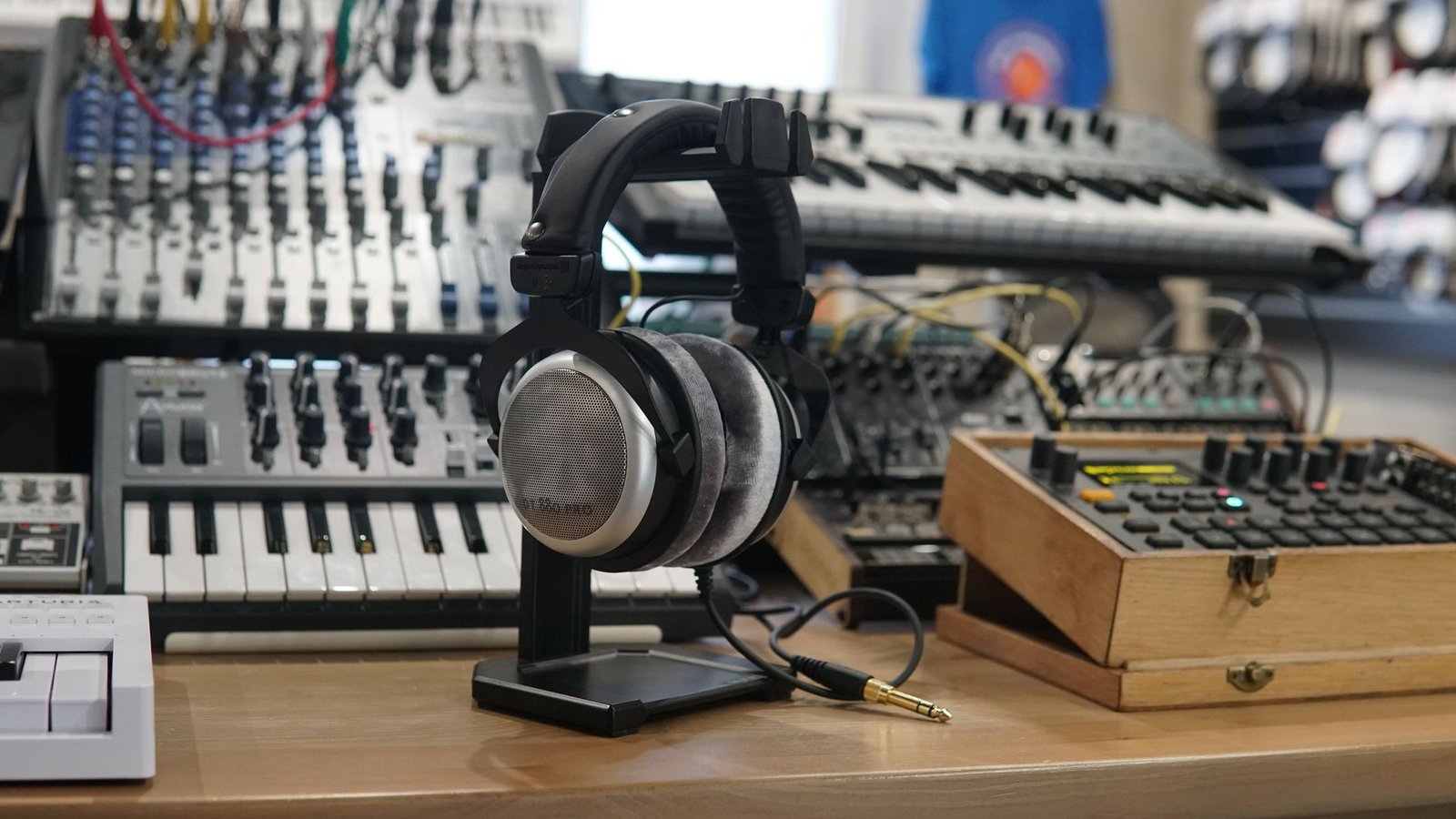
On Premier, Suno Studio turns the toy into something closer to a tool: a browser multitrack editor with stem generation, timeline editing, mixing controls, and AI regeneration of individual stems. Stem Split lets you export up to 12 time-aligned WAV stems, which is the feature serious users care about because it lets you take Suno’s output into a real DAW and mix it properly. The honest caveat: several users describe Studio as still feeling “pre-beta,” it requires Chrome, and every edit and regeneration burns credits whether the result is usable or not.
Verdict: genuinely useful for DAW users, still rough around the edges.
Voices and Custom Models — personalization
The Voices feature lets you create a reusable vocal profile from a short clip (verified with a spoken phrase, 18+ only, and geographically gated), and Custom Models let you train up to three private variants on at least six songs you own. This is the personalization layer that makes Suno feel less like a slot machine and more like an instrument you can shape. It is powerful, and it is also where the rights questions get thorniest — cloning a voice you do not own is a fast way into trouble.
Verdict: powerful for original creators; use responsibly and only with voices you have rights to.
What no one else tells you about Suno v5
Most Suno reviews rave about the sound and stop there. Here is the thing that actually matters and almost nobody leads with: with Suno, you get commercial permission, not ownership. Suno’s own updated terms of service state that users are “generally not considered the owner” of generated content, and the paid plans grant commercial rights to use the music without giving you a clean copyright or any legal indemnification. That distinction is invisible until the day it is not. If someone challenges a track you shipped, Suno is not standing behind you. Careful teams — the ones doing paid client work — hesitate to put Suno music into contracts for exactly this reason, and they are right to.
The second under-reported truth is the legal weather. In November 2025, Suno signed a licensing deal with Warner Music Group — the first major-label agreement — which narrowed download caps and refined the ownership language. That is a real de-risking signal. But Universal Music Group and Sony are still suing (the RIAA case dates to June 2024), and a pivotal fair-use ruling is expected in 2026. Translation: the ground under AI music is still moving. For a YouTube video, that risk is negligible. For a national ad campaign, it is not. I dug into the specifics in a dedicated piece on Suno v5 commercial rights if you want the full breakdown.
The third thing: credits are a treadmill. They do not roll over, failed generations still cost you, and Studio edits burn them whether or not you keep the output. Budget for more credit consumption than the “songs per month” number implies, because in practice you generate three to five versions to get one keeper.
Suno vs the alternatives
Suno is not the only option, and the right pick depends on what you make. Here is the honest comparison.
| Tool | Best at | Entry price | Best for |
|---|---|---|---|
| Suno | Vocals, full songs, speed | ~$10/mo | Creators, vocal-led music |
| Udio | Instrumental clarity, stereo | ~$10/mo | Instrumental and beat makers |
| Google Lyria | Clean licensing, integration | Varies | Enterprise, rights-cautious teams |
If your music is vocal-led, Suno. If it is instrumental or beat-driven, try Udio — I compare them directly in Suno v5 vs Udio. If your priority is clean, defensible licensing for a business, Google’s music models are worth a look; I reviewed the flagship in my Google Lyria 3 Pro review. You can start with Suno itself at the official Suno site.
Who should use Suno — and who should skip it
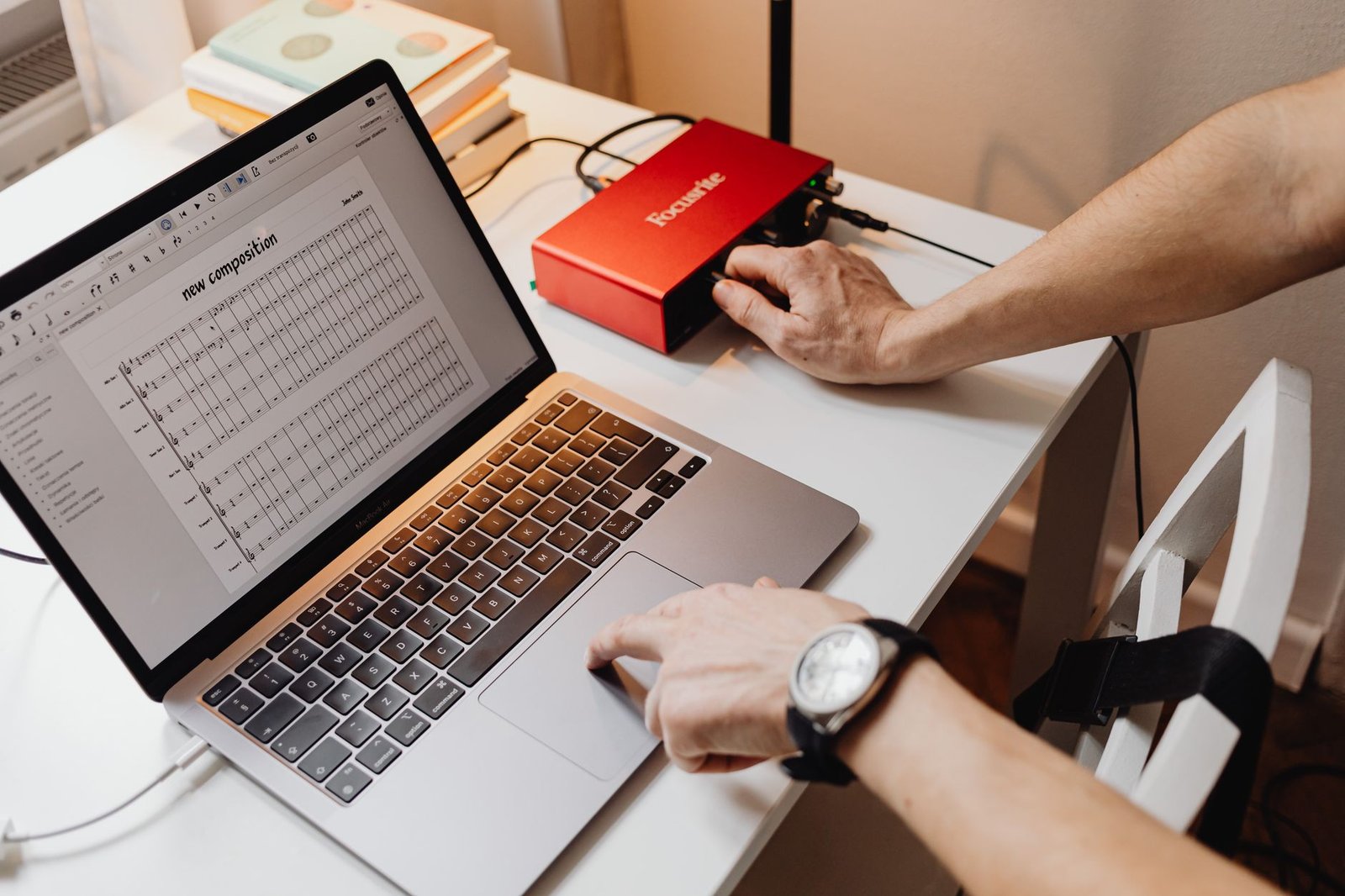
Use Suno if: you are a content creator, YouTuber, podcaster, indie developer, or hobbyist who needs original, vocal-capable music fast and cheap, and your usage is low-risk (personal channels, small projects). The Pro plan at ~$10/month is the best value in AI music for these people.
Skip Suno if: you are a producer who needs precise arrangement control (use a DAW with AI assists instead), an artist who must own clean masters and copyright, or an agency putting music into client contracts where a rights dispute would be costly — until the fair-use ruling settles, a fully licensed library or a clean-rights model is the safer call. If you want the wider field, my roundup of how to choose an AI tool shows the same evaluation approach applied elsewhere.
The honest limits
Three limits to walk in with. First, ownership is fuzzy — you get permission to use, not a clean copyright, and no indemnification, so the legal buck stops with you. Second, control is limited — Suno will not reliably obey bar counts, keys, or exact tempos, so it is a sketchpad and a content engine, not a precision scoring tool. Third, the extras are unfinished — Suno Studio is powerful but pre-beta, Chrome-only, and credit-hungry, and there is still no team or enterprise tier, which is a gap for organizations. None of these are dealbreakers for a creator. All of them are dealbreakers for the wrong buyer.
The verdict: Suno v5 is the best-sounding AI music generator for vocals and a genuine bargain at $10/month for creators — just remember you are buying permission to use the music, not clean ownership of it.
Frequently asked questions
Is Suno v5 worth it in 2026?
Yes, for content creators and hobbyists. Suno v5 and the v5.5 update produce the most realistic AI vocals available, and the Pro plan at around $10/month unlocks commercial use and stem export. It is less suited to producers needing precise control or businesses needing clean copyright ownership.
How much does Suno cost?
Suno has a Free tier (about 10 songs a day, no commercial rights), a Pro plan around $10/month (2,500 credits, roughly 500 songs, commercial rights), and a Premier plan around $30/month (10,000 credits, roughly 2,000 songs, Suno Studio, and up to 12 stems). Annual billing saves about 20%.
Can you use Suno music commercially?
On the Pro and Premier plans, yes — you receive commercial usage rights. However, Suno’s terms state users are generally not considered the owner of the content, and there is no legal indemnification, so commercial use carries some rights risk. Free-tier music can never be used commercially.
Do you own the songs you make with Suno?
Not outright. Paid plans grant you rights to use the music commercially, but Suno’s terms of service say users are “generally not considered the owner.” You get permission to use, not a clean copyright.
Is Suno better than Udio?
For vocal-led music, Suno is better — it has more natural vocals. For instrumental clarity and stereo separation, Udio has the edge. Your genre decides the winner.
Is Suno facing lawsuits?
Yes. Universal Music Group and Sony are suing Suno (the RIAA case was filed in June 2024), though Warner Music signed a licensing deal with Suno in November 2025. A key fair-use ruling is expected in 2026.
How many songs can you make with Suno?
The Free tier allows about 10 songs per day. Pro gives 2,500 credits monthly (roughly 500 songs) and Premier gives 10,000 credits (roughly 2,000 songs). Credits do not roll over and failed generations still consume them.
What is Suno Studio?
Suno Studio is a browser-based multitrack editor available on the Premier plan. It offers stem generation, timeline editing, mixing controls, and AI stem regeneration. Users describe it as powerful but still rough, and it is Chrome-only.
Can Suno clone a voice?
Suno’s Voices feature lets you create a reusable vocal profile from a short verified clip (18+ only and geographically limited). You should only use voices you have the rights to; cloning someone else’s voice without permission risks legal and ethical problems.
Should businesses use Suno for client work?
Cautiously. Because Suno grants usage permission rather than clean ownership and offers no indemnification, many agencies avoid shipping Suno music in paid client contracts until the legal landscape settles. For low-risk personal and content use, it is fine.
About the author — Naveen Kumar Durai
I test and research AI tools for creators and small teams, and I care more about what a tool actually delivers than what its landing page claims. Every review here follows our published Editorial Policy.