TL;DR — the short answer. v0 by Vercel is the best AI UI component generator in 2026 if you’re a React developer who wants production-quality, shadcn/ui-based components from a plain-English prompt. It writes clean React, Next.js, and Tailwind code you actually own. The free plan gives you $5/month in credits to try it; Premium is $20/month. The catch: since February 2026 it runs on token-based pricing, so costs are harder to predict, and it’s happiest inside the Vercel and Next.js world. If you live outside that stack, weigh the alternatives before you commit.
How we assess: this review is based on v0’s published features, current pricing, hands-on developer reports, and how it compares to rival builders — not paid placement. See our Editorial Policy. Last updated: September 2026.
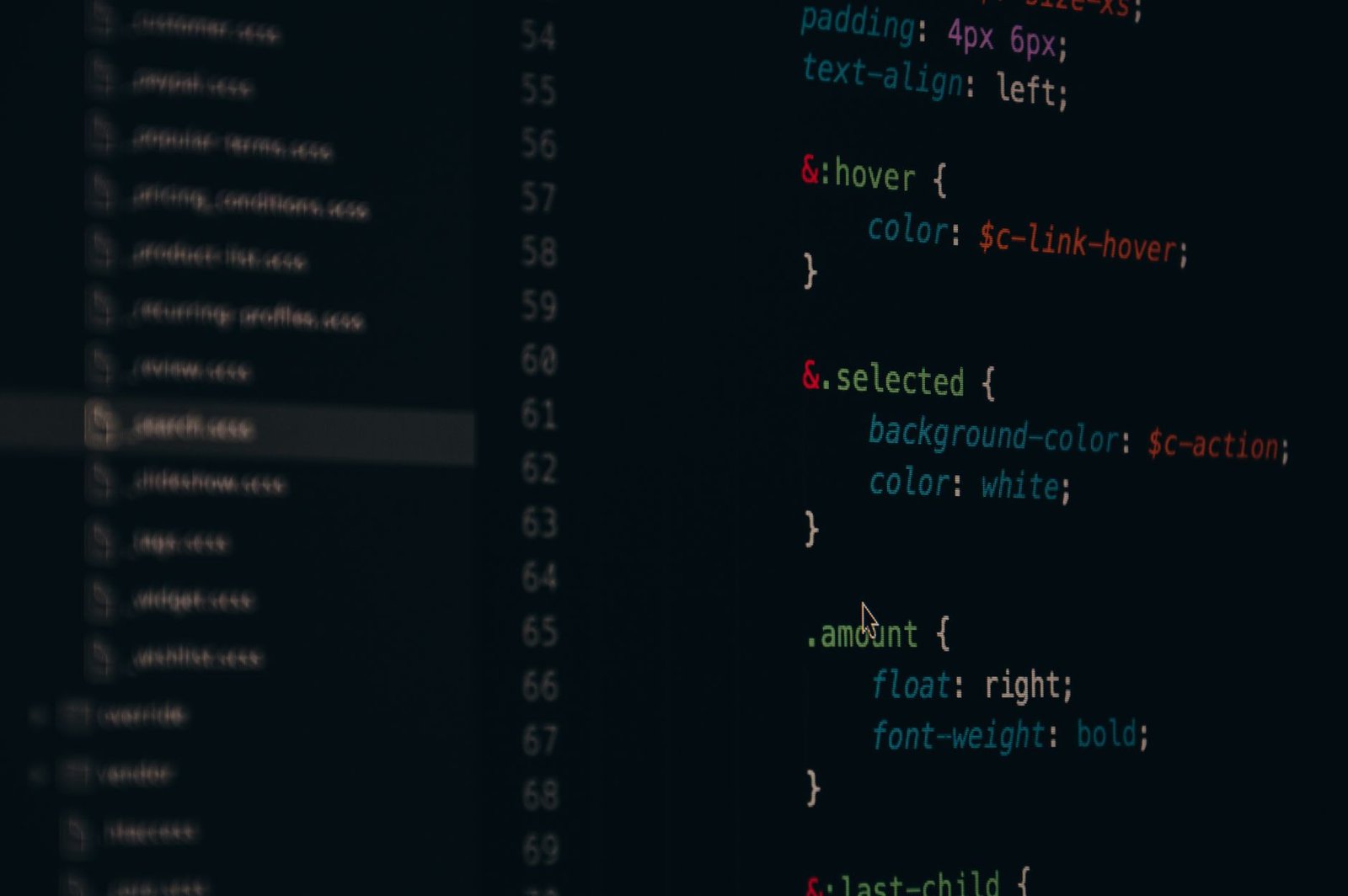
I’ve used a lot of “type a prompt, get an app” tools, and most of them produce a demo that falls apart the moment you open the code. v0 by Vercel is different in one important way: it’s built by the company behind Next.js, and it generates the kind of React and Tailwind code a real front-end team would actually ship. That focus is its biggest strength and, as you’ll see, the root of its biggest limitation. Here’s my honest take on what it is, who should use it, what it costs in 2026, and where it loses to the competition.
What is v0 by Vercel, actually?
v0 (found at v0.app, formerly v0.dev) is an AI tool that turns natural-language prompts into web UI. You describe what you want — “a pricing page with three tiers and a dark mode toggle” — and it generates responsive components built on React, Next.js, Tailwind CSS, and the shadcn/ui component library. You then refine by chatting (“make the button bigger,” “add a testimonial section”), and you can copy the code straight into your project or deploy it through Vercel.
The important nuance: v0 started life as a component generator, not a full app builder. Through late 2025 and into 2026 Vercel widened its scope with a sandbox-based runtime that can spin up full-stack applications, a Git panel (added January 2026) for creating branches and pull requests, and database integrations like Snowflake and AWS (February 2026). So it’s grown up — but its DNA is still “produce excellent front-end code,” which is exactly why developers like it and why non-coders sometimes bounce off it.
- v0 generates production-grade React, Next.js, Tailwind, and shadcn/ui code you own.
- Free plan: $5/month in credits. Premium: $20/month. Team: $30/user/month.
- Since February 2026 it uses token-based pricing — costs scale with complexity.
- Best for React developers; weakest for non-technical users who want a finished, hosted app with zero code.
v0 by Vercel pricing (September 2026)
Here’s the current lineup. The headline change this year: in February 2026 v0 moved from fixed credit counts to token-based pricing, so a simple component costs less than a sprawling full-stack generation. That’s fairer in theory but harder to budget in practice.
| Plan | Price | Credits | Key extras |
|---|---|---|---|
| Free | $0 | $5/month in credits | Try it, public generations |
| Premium | $20/month | $20/month in credits | Figma imports, API access |
| Team | $30/user/month | Shared credits | Collaboration features |
| Enterprise | Custom | Custom | SSO, SLA, dedicated support |
Pricing checked September 2026 on v0’s official plans and may change. If token budgeting is new to you, our explainer on how AI pricing and credits work is worth a read first.
Who is v0 for?
v0 is for front-end and full-stack developers who already work in React or Next.js and want to skip the tedious first 80% of building a UI. If you know what a component is, use Tailwind, and deploy on Vercel, v0 feels like a superpower. It’s also great for designers who can read code and want to hand engineers a real, working starting point instead of a static Figma frame. It is not aimed at a non-technical founder who wants to type one sentence and get a finished, hosted SaaS with billing and auth — that person will be happier with a builder like Lovable or Bolt.new.

An honest walkthrough: what v0 does well and where it stumbles
Code quality — the reason to use it
This is v0’s headline strength. The React and Tailwind it produces is clean, componentized, and genuinely close to what a competent developer would write. Because it leans on shadcn/ui, the output looks polished out of the box and follows patterns your team probably already uses. My verdict: best-in-class code quality among AI UI tools. If the output being maintainable matters to you, this is the one.
[ADD YOUR EXPERIENCE: how much of v0’s generated code did you keep versus rewrite on your last real project?]
Iteration by conversation — fast and intuitive
Refining through chat works well. “Make it dark mode,” “add a sticky header,” “use a two-column layout on desktop” — v0 handles these follow-ups smoothly and keeps the code coherent instead of bolting on messy patches. My verdict: the iteration loop is one of the smoothest in the category.
The Vercel integration — a blessing and a leash
If you deploy on Vercel, going from prompt to live URL is almost frictionless. The flip side is real ecosystem gravity: v0 assumes Next.js and Vercel, and the further you stray from that stack, the more friction you feel. My verdict: superb if you’re already a Vercel shop; a subtle form of lock-in if you’re not.
Full-stack ambitions — improving, not finished
The 2026 additions (sandbox runtime, Git panel, database integrations) genuinely expand what v0 can do beyond pretty front-ends. But it still shines brightest as a UI and scaffolding tool. Treat the full-stack features as capable and improving rather than a complete replacement for a proper backend workflow. My verdict: use it for the UI and scaffolding; keep your own eyes on the backend.
Cost predictability — the weak spot
Token-based pricing is the thing I’d flag hardest. A complex, multi-file generation can burn credits faster than you expect, and unlike a flat “X generations per month,” you can’t easily eyeball your monthly spend. My verdict: watch your credit meter, especially on the $20 Premium tier, or costs will surprise you.

What no one else tells you about v0
Here’s the contrarian truth: v0’s biggest strength — great code — is exactly why it’s the wrong tool for most non-developers. The marketing around AI app builders sells a fantasy where anyone types a sentence and gets a business. v0 doesn’t do that, and it’s not trying to. It hands you excellent code that still has to be integrated, wired to a backend, deployed, and maintained. If you can’t read or edit React, that “excellent code” is a black box you can’t fix when it breaks. The tools that feel magical to non-coders (Lovable, Bolt.new) are the ones that hide the code — and those hide the complexity right up until you hit a wall you can’t get past without a developer.
So the real question isn’t “is v0 good?” — it clearly is. It’s “which side of the code line are you on?” Developers: v0 accelerates you without taking away control. Non-developers: v0 will impress you for an afternoon and then frustrate you, and you’d be better served elsewhere. That framing will save you a wasted subscription. I break down the no-code end of the spectrum in our NxCode vs Lovable vs v0 comparison.
v0 vs the main alternatives
Here’s how v0 stacks up against the builders people cross-shop it with in 2026.
| Tool | Best at | Output | Best user | Entry price |
|---|---|---|---|---|
| v0 by Vercel | Production UI code | React / Next / Tailwind you own | Developers | Free, then $20/mo |
| Lovable | Full apps, no code shown | Hosted app | Non-technical founders | Free tier + paid |
| Bolt.new | In-browser full-stack builds | Editable app project | Beginners & tinkerers | Free tier + paid |
| Cursor | AI coding in your editor | Edits your codebase | Working developers | Free, then paid |
If you want the deeper head-to-heads, see our Lovable vs Bolt.new vs Replit breakdown, our Bolt.new review, and — if your real need is AI inside your existing editor rather than a generator — our Cursor vs Copilot vs Claude Code comparison.
Who should use v0 — and who should skip it
Use v0 if you’re a React or Next.js developer, you deploy on Vercel, and you want to generate polished, maintainable UI fast. Best for front-end engineers, full-stack devs, and code-literate designers.
Use v0 if you already own or are building your own backend and just need the interface layer done quickly and cleanly.
Skip v0 if you can’t read React, you want a finished hosted app with auth and billing from one prompt, or you’re committed to a non-Next.js stack. In those cases Lovable, Bolt.new, or a traditional developer is the better call.
The honest limits
A few things to go in with your eyes open. v0 is frontend-first — even with the new full-stack features, don’t expect a turnkey backend. There’s real ecosystem gravity toward Next.js and Vercel, which is friction if your stack is different. Token-based pricing makes monthly costs genuinely hard to predict, so set a budget and watch the meter. And like every AI generator, it produces code you still have to review — it’s a very fast junior, not a senior engineer. Also worth noting: the deepest collaboration features live on the Team plan, so solo Premium users work mostly alone.
The verdict: v0 by Vercel is the best AI UI generator for React developers in 2026 — start on the free tier, upgrade to $20 Premium if it earns its keep, and skip it entirely if you can’t read the code it writes.
→ Visit the official v0 by Vercel site
Frequently asked questions
What is v0 by Vercel?
v0 by Vercel is an AI UI component generator that turns natural-language prompts into production-grade React, Next.js, Tailwind CSS, and shadcn/ui code. You describe the interface you want and refine it through conversation, then use or deploy the generated code.
How much does v0 by Vercel cost in 2026?
v0 has a Free plan with $5/month in credits, a Premium plan at $20/month with $20/month in credits plus Figma imports and API access, a Team plan at $30/user/month, and a custom Enterprise plan. Since February 2026 it uses token-based pricing, so costs vary with complexity.
Is v0 by Vercel free?
Yes, there is a free plan that includes $5/month in credits so you can try it. Heavier or more complex use quickly moves you to the $20/month Premium plan.
What code does v0 generate?
v0 generates React and Next.js components styled with Tailwind CSS and built on the shadcn/ui component library. The output is clean, componentized code you own and can copy into your own project.
Is v0 good for non-developers?
Not really. v0’s strength is producing excellent code, which is most useful to people who can read and edit React. Non-technical users who want a finished, hosted app from a single prompt are usually better served by builders like Lovable or Bolt.new.
Can v0 build full-stack apps?
Increasingly, yes. In late 2025 and 2026 Vercel added a sandbox runtime, a Git panel for branches and pull requests, and database integrations like Snowflake and AWS. That said, v0 still shines most as a UI and scaffolding tool rather than a complete backend solution.
How is v0 different from Lovable and Bolt.new?
v0 hands you production-quality code aimed at developers, while Lovable and Bolt.new focus on giving non-coders a working app with the code hidden. v0 gives you more control and cleaner output; the others give beginners a faster path to something that runs.
Does v0 lock me into Vercel?
Not literally — you own the code — but there’s strong ecosystem gravity toward Next.js and Vercel deployment. The further your stack is from that, the more friction you’ll feel using v0.
What is token-based pricing in v0?
As of February 2026, v0 charges based on the tokens a generation consumes rather than a fixed number of generations. Simple components cost less; complex, multi-file builds cost more, which makes monthly spend harder to predict.
Is v0 by Vercel worth it?
For React and Next.js developers who deploy on Vercel, yes — it’s the best AI UI generator in 2026 and it saves real time. For non-developers or teams on a different stack, the value is much lower, and an alternative is likely a better fit.
Can I import designs from Figma into v0?
Yes, Figma imports are available on the Premium plan, along with API access, making it easier to turn existing designs into working code.
Does v0 support team collaboration?
Yes, on the Team plan at $30/user/month, which adds shared credits and collaboration features. The Free and Premium plans are geared toward individual use.
I test AI tools the way people actually use them — real prompts, real projects, real costs — and I tell you plainly who each tool is for and who should skip it. Here’s our editorial policy.